


Mission EVO is back online
The game's servers were shut down in December 2023. We brought up our own — Emberland is waiting for survivors again.
A fan project. Not affiliated with the developer or publisher of Mission EVO.
What is EVO REDUX
Mission EVO: Survivor's Battlegrounds is a mobile open-world survival shooter: gather resources, build a base, fight monsters and other players. On 8 December 2023 the publisher shut down its servers, and the game stopped working.
EVO REDUX brings it back online. The world server, login and lobby are ours; the client is the game's last version, 1.26, with our changes. We keep the rules the way they were in the original.
- 7-day sessions
- Every session is a new world. At the end come the results and rewards, then a wipe.
- Free
- You can play for free. EVO Cores are an optional premium currency: the pass and looks, no advantage in battle.
- Four languages
- English, Russian, Portuguese and Spanish — in the game and on our Discord.
Emberland
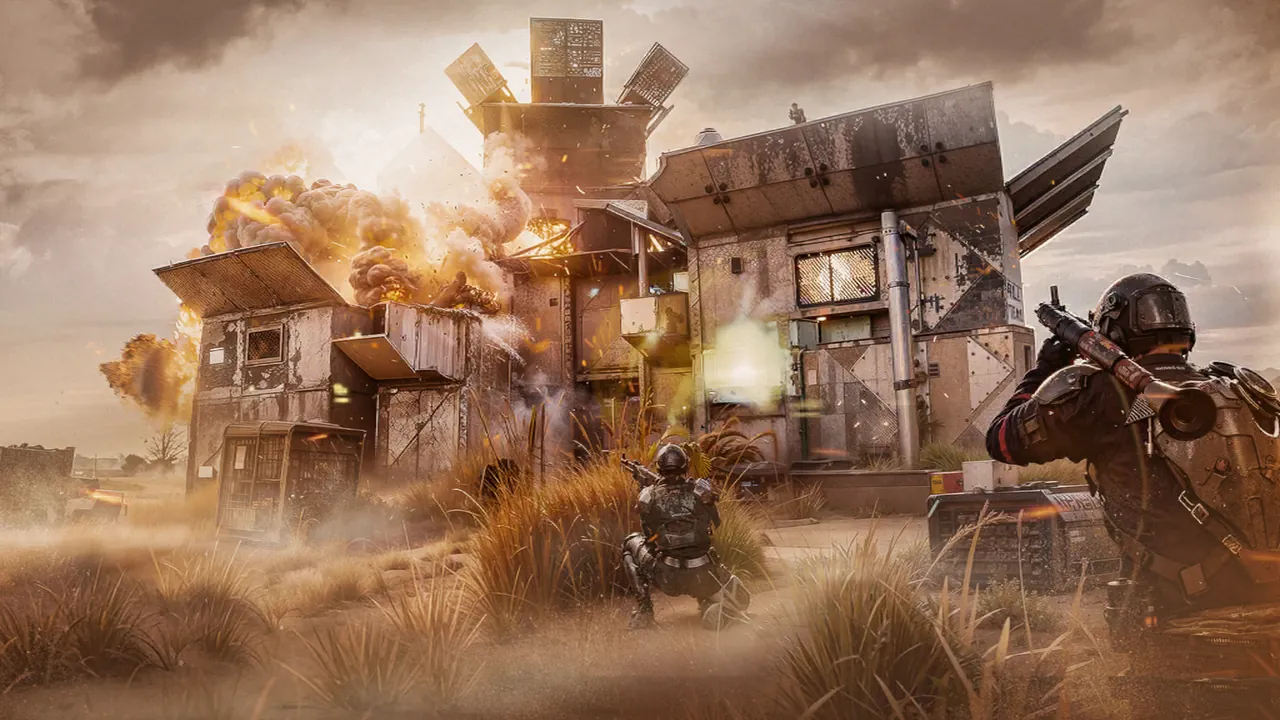
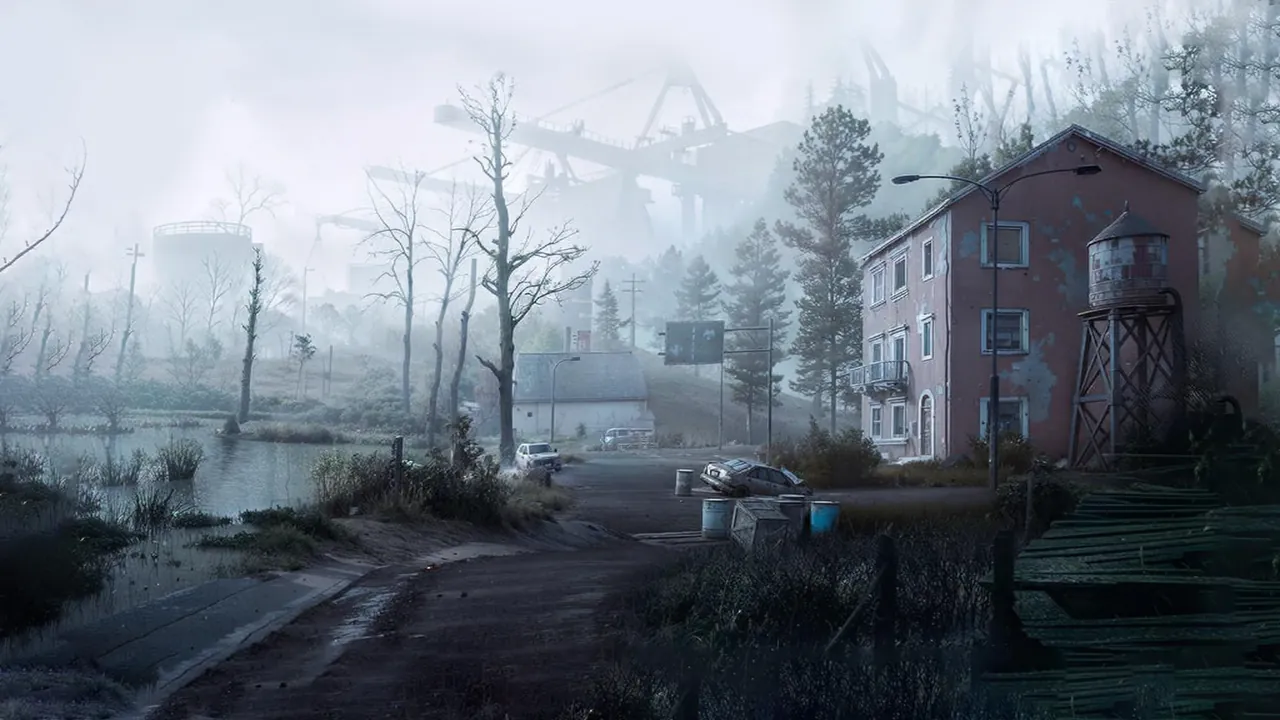
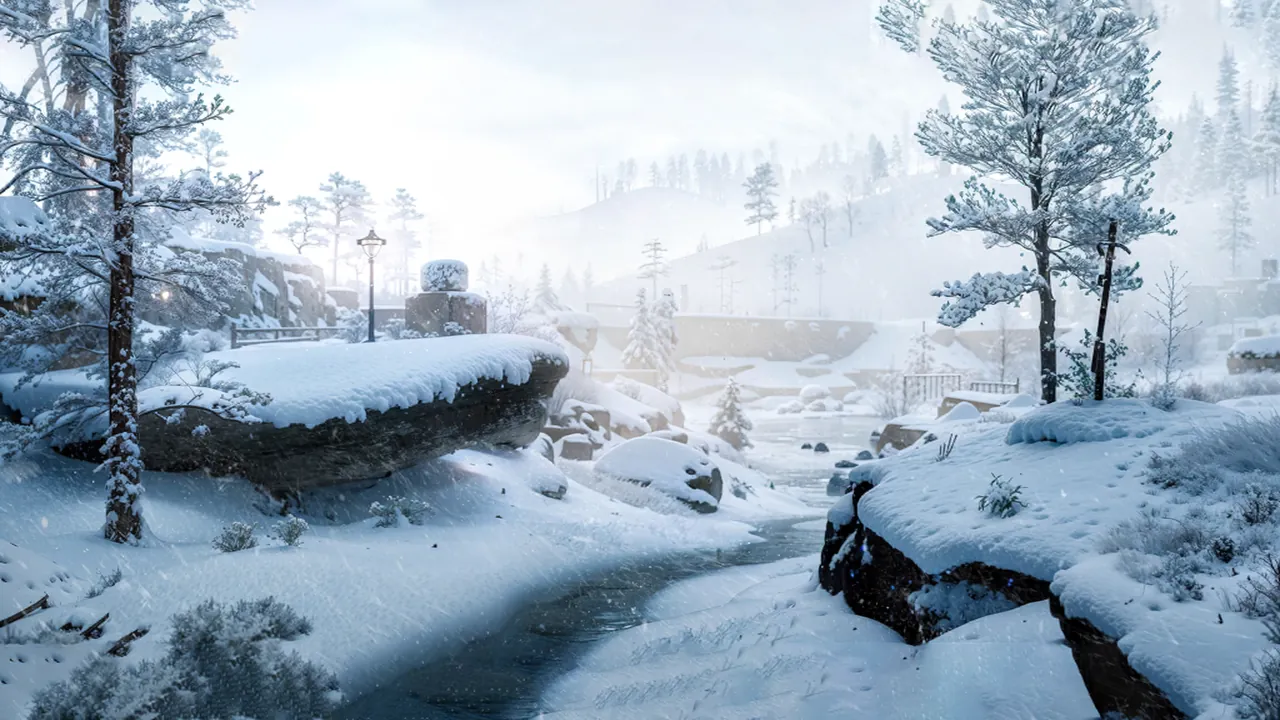
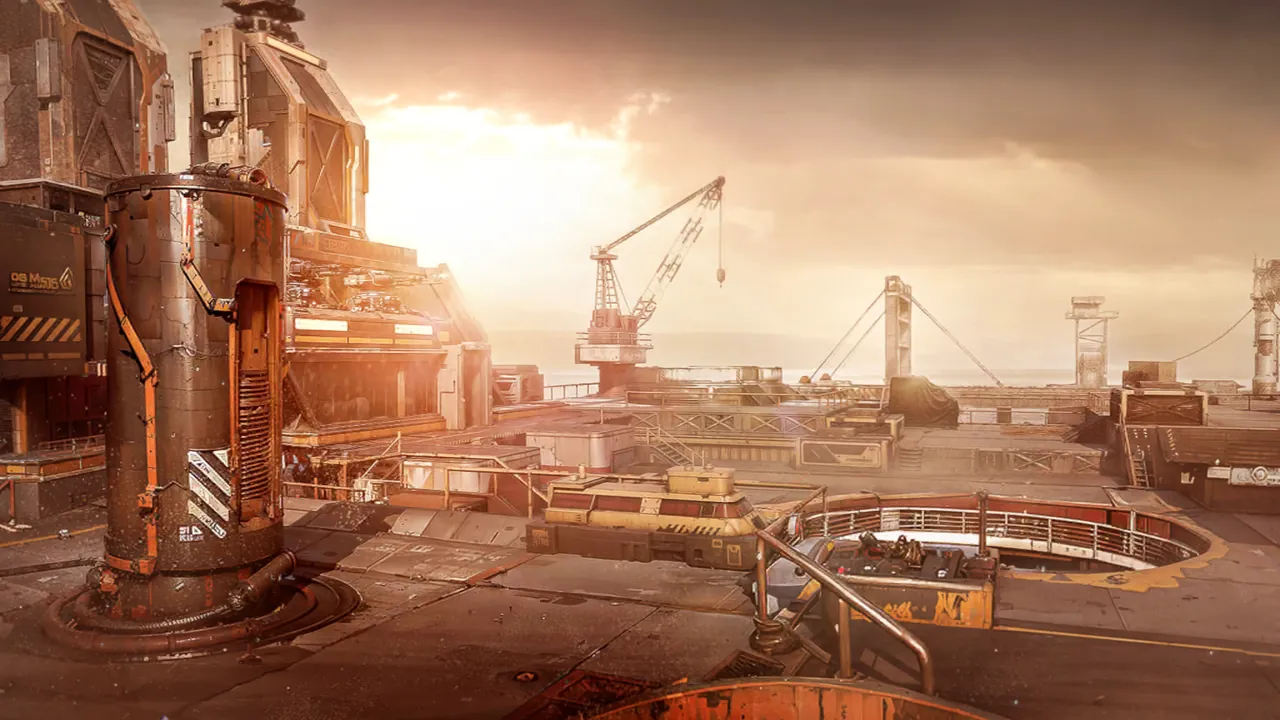
An 8.7 × 8.7 km open world: a desert in the west, snowy mountains, forests, towns and a port. Your goal in a session is to last seven days and collect as many Embers as you can.
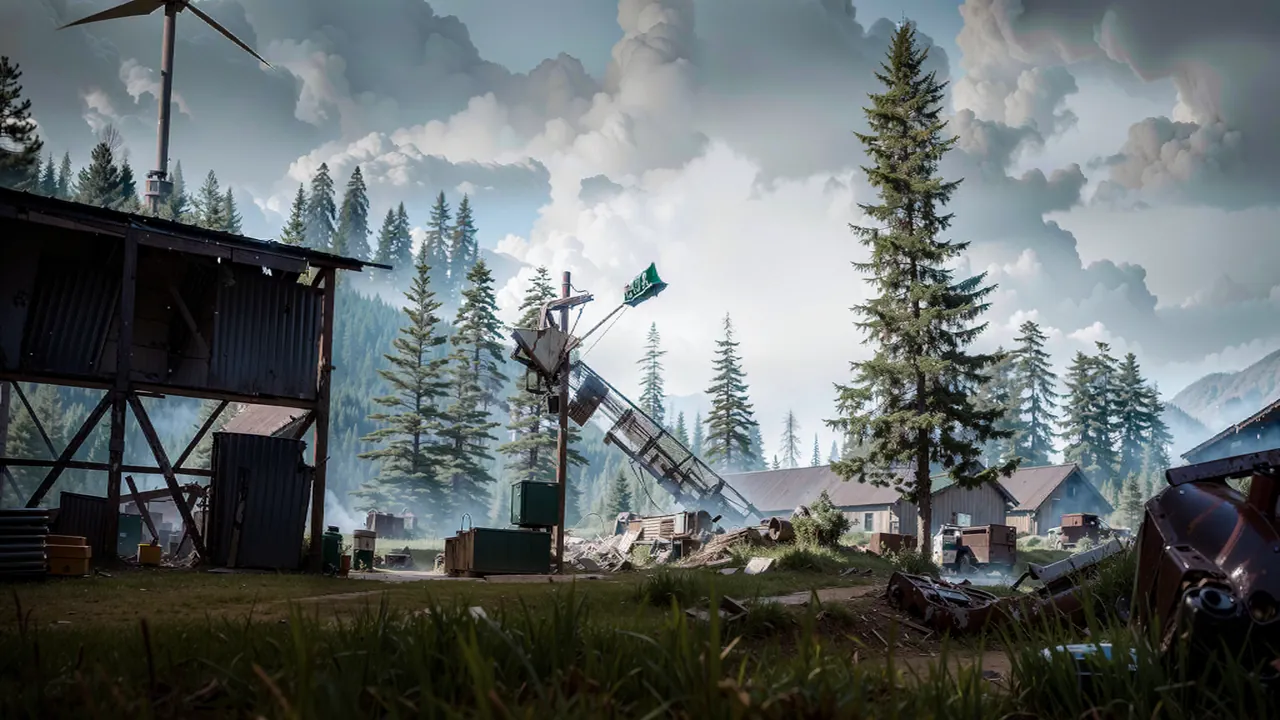
Civilization Ruins
Towns and villages are marked on the map with a level. The higher it is, the stronger the guards and the better the loot.
-
Small Civilization Ruins
There are some Small Shops on the side of the road and some Normies wandering nearby. You can shoot arrows to easily take them out.

-
Lv. 1 Civilization Ruins
There are many Normies in Lv. 1 Civilization Ruins (marked by "I" on the map). When you don't have any Guns, make sure to stay away from Banshees.

-
Lv. 2 Civilization Ruins
There are Household Areas and Special Areas in Lv. 2 Civilization Ruins (marked by "II" on the map). Special Areas are guarded by Armed Villains holding Guns, usually with greater firepower. Also, there will be Vultures patrolling around a Special Area. Make sure to stay away from such areas unless you are well-equipped.

-
Lv. 3 Civilization Ruins
There are higher-level Armed Villains guarding the Lv. 3 Civilization Ruins (marked by "III" on the map). There, you'll face a variety of Final Bosses, which are challenging foes, and you will want to fight them alongside teammates.

Map Event
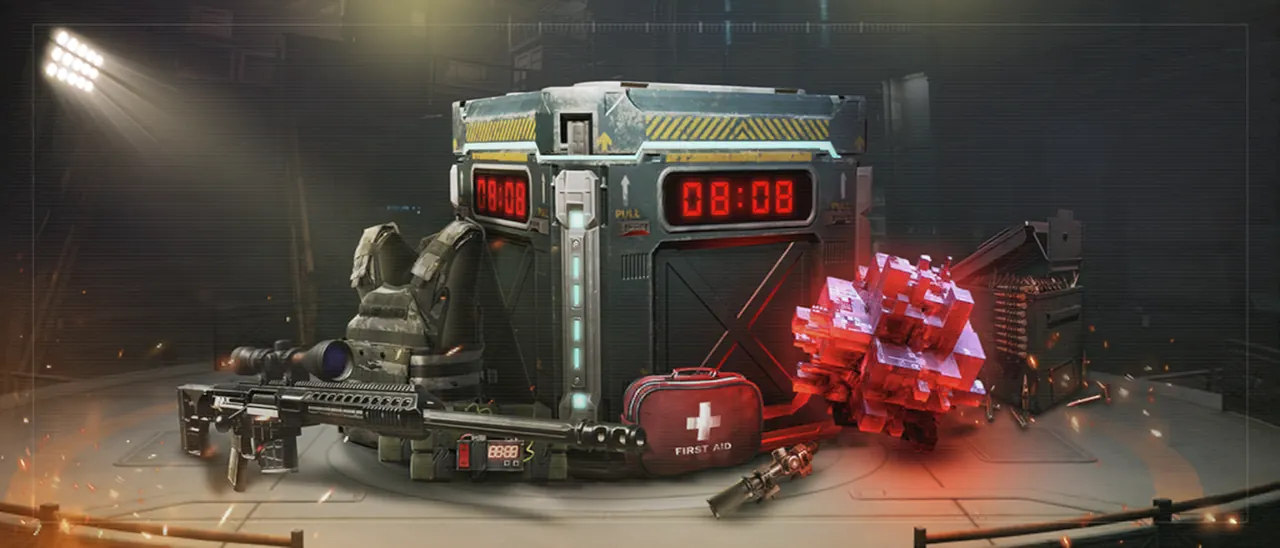
Airdrop
Transport Aircraft will occasionally conduct Airdrops at random locations on the map. These Airdrops offer numerous rewards, including Guns, Scopes, Armor, Explosive Materials, and Embers. As days (real time) pass in a Session, the quality and quantity of Airdrops will significantly increase.

Chopper
The Armored Chopper [Night Owl] patrols continuously over the land. Check its real-time movements via the map.
Emberland has bosses too: Banshee and Vulture guard the towns, Kane waits in the arena at the port, and the Night Owl circles over the map.

Safer together
Form a squad with friends: a shared chat, access to each other's buildings, and someone to revive you when you go down. Surviving alone is harder.
Bases and raids
Claim a territory and build a base: foundations, walls, doors with locks, beds, garden plots, workstations. Electricity powers lights and turrets, and traps greet uninvited guests.
Keep your Embers in the Ember Chest — other survivors will come looking for it. Raiders bring explosives, and the damage report shows who it was.
Survival starts with a stone and an axe: gather wood and ore, watch your hunger and thirst, treat your wounds. The workbench and other stations unlock blueprints — from a bow to an assault rifle.
Broken gear is fixed at the repair station, and Civilization Ruins give materials for better equipment.
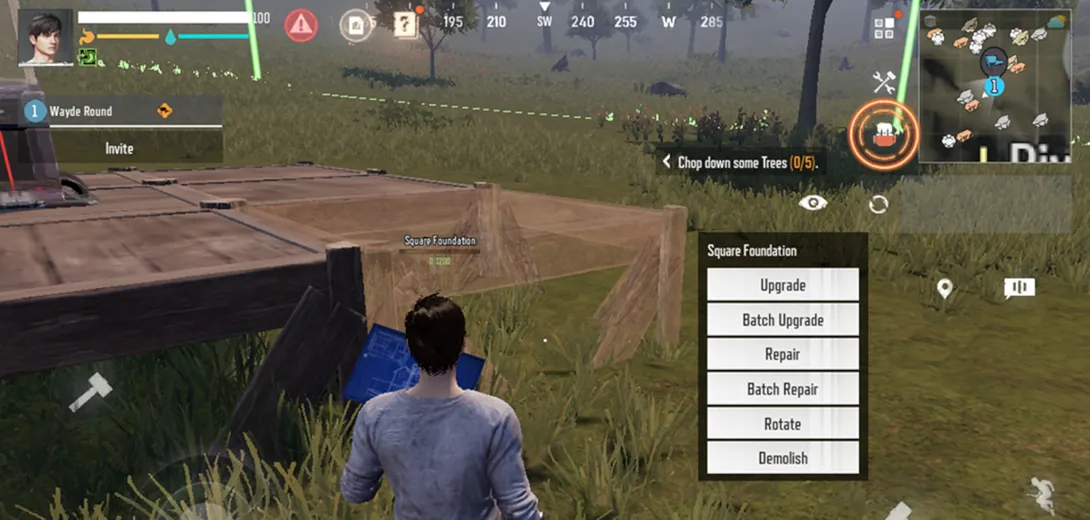
Territory Auto Repair 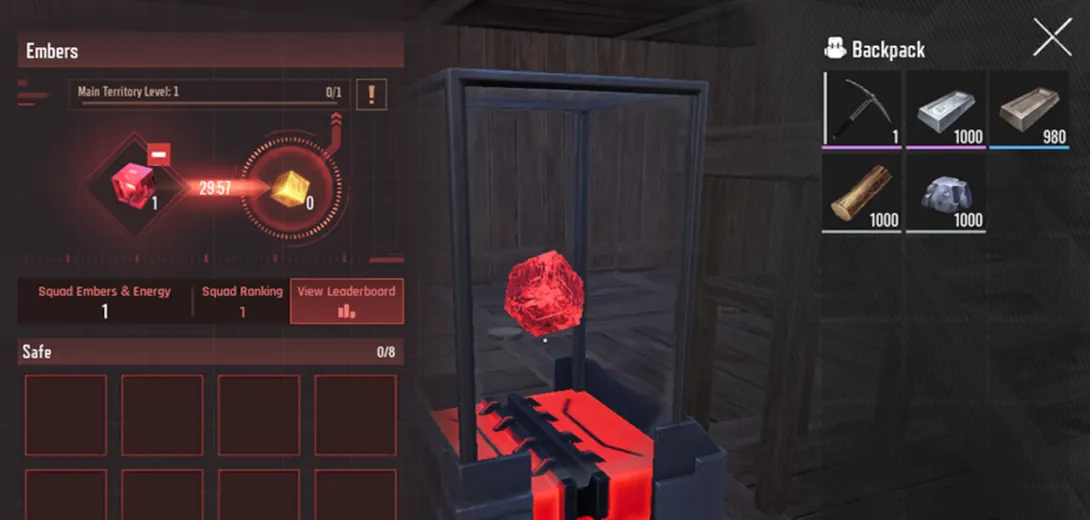
Ember Mechanics 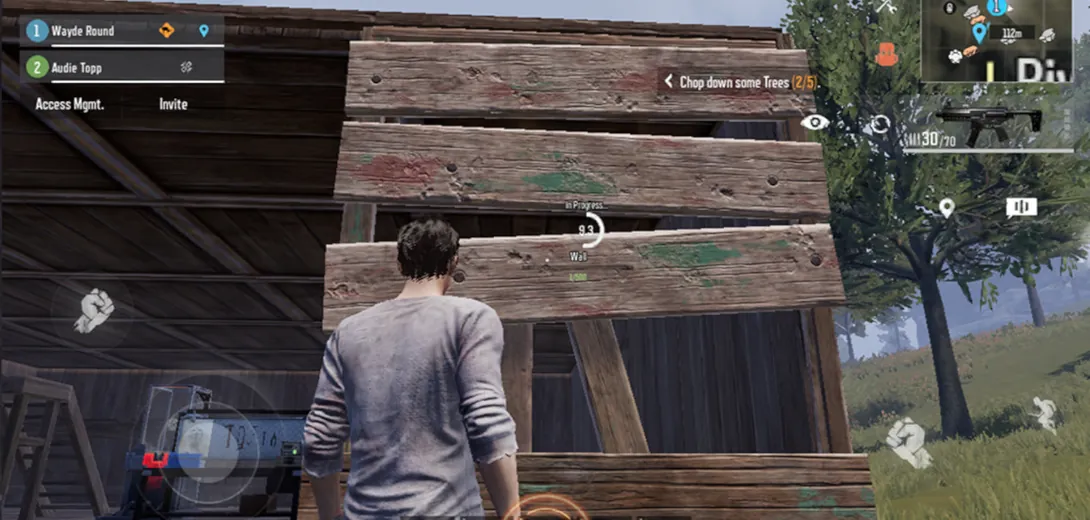
Raid Status 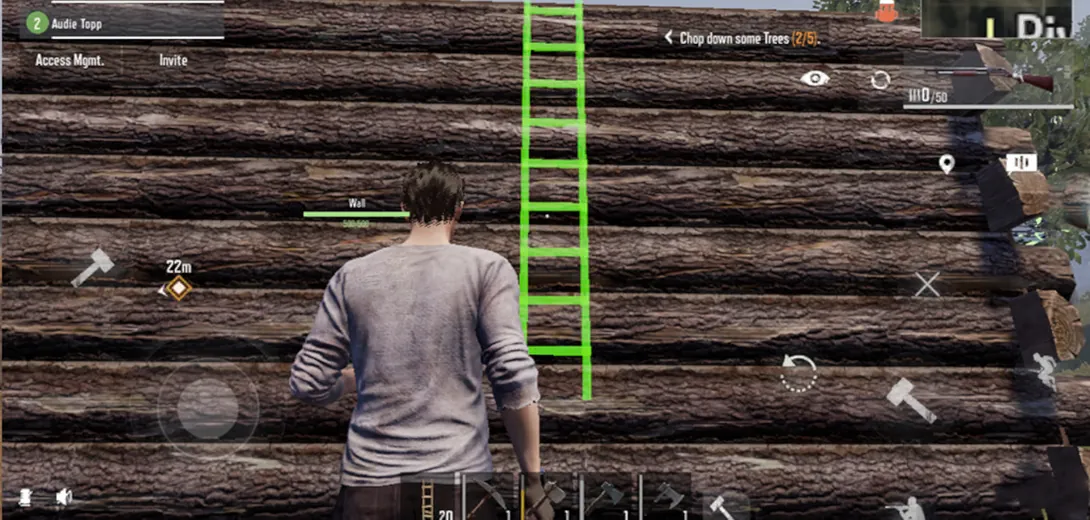
Wooden Ladder 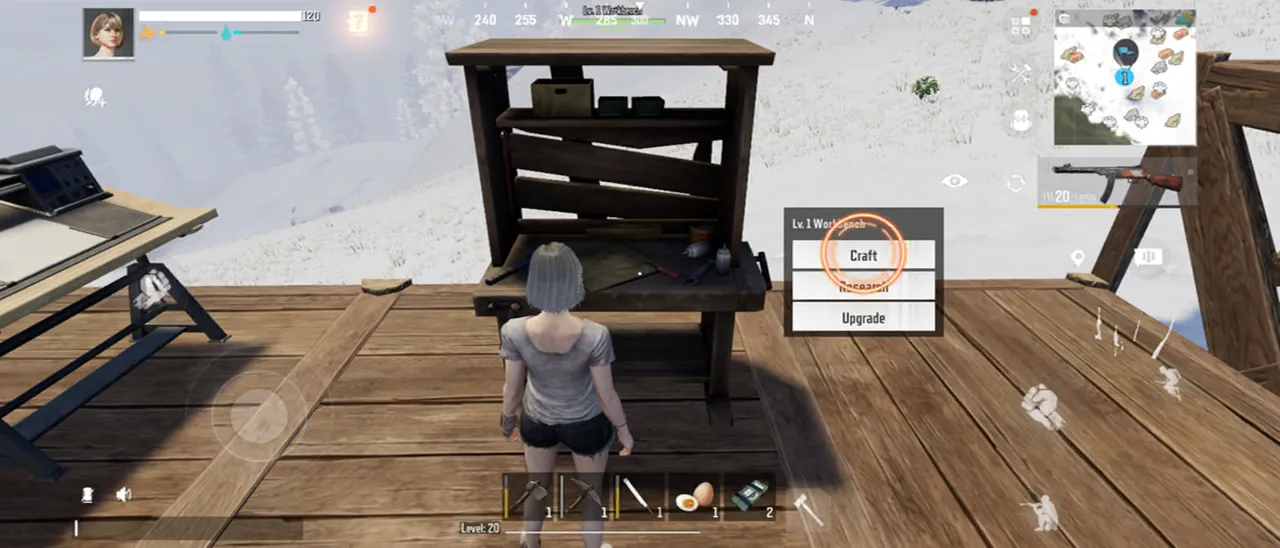
Craft 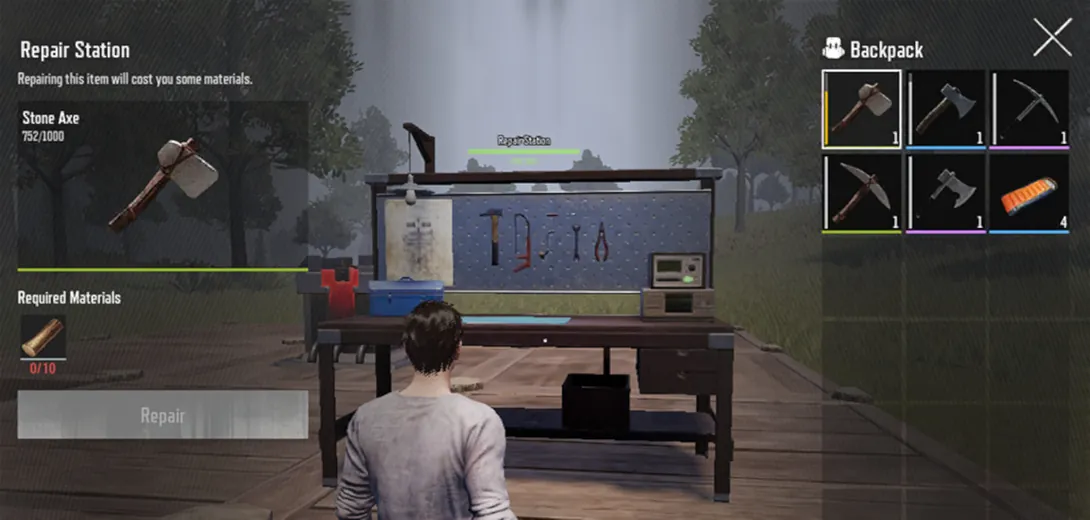
Repair Items
Vehicles
Cars and motorcycles run on fuel and can be repaired, and wild horses can be tamed.
 Sedan
 Motorcycle
 Armored Vehicle
How to install
You need Android 8.0 or newer with a 64-bit processor. The APK is about 1 GB, and on first launch the game downloads the world — about 600 MB more. Keep about 3 GB free.
Download the APK
It's a big file — better use Wi-Fi.
DownloadRemove old versions
The original Mission EVO and third-party clients use the same app ID: while they are installed, Android won't install ours.
Allow the install
Open the downloaded file. If Android asks, allow your browser or file manager to install unknown apps.
Launch the game
On first launch the game downloads the world (about 750 MB) and restarts.
Log in with Telegram or Discord
On your first login the game asks for an invite code. You get one on our Discord, in the #get-access channel.
Won't install?
- Uninstall every older version first: the original Mission EVO and any third-party client.
- Turn off Google Play Protect for the install: Play Store → your profile picture → Play Protect → the gear icon → turn off app scanning. If a warning still pops up, tap “More details” → “Install anyway”.
- Turn off your antivirus for a moment, built-in ones too (Xiaomi Security, Huawei and Honor app scan).
- Samsung: turn off Auto Blocker — Settings → Security and privacy → Auto Blocker. It blocks every app that isn't from Galaxy Store or Play Store.
- Allow your browser or file manager to install apps: Settings → Apps → Chrome (or Files) → Install unknown apps → Allow.
Then download the file again and install it. You can turn the protection back on afterwards.
Questions
Is this the official game?
No. EVO REDUX is a fan project. It is not affiliated with the developer or publisher of Mission EVO.
How much does it cost?
The game is free. If you like, you can buy EVO Cores — the pass and looks; they give no advantage in battle.
Is there an iPhone or PC version?
Yes, for iPhone and iPad: the game is installed from a Windows PC with our installer — see the download page. There is no PC version. On Android you need a 64-bit processor.
Where do I get an invite code?
On our Discord, in the #get-access channel: press “🎮 Get code”. Codes come in waves — if there are none right now, wait for the next one; the bot announces it in the channel. Your Discord account must be at least a day old; one code per account.
Is my progress from the old Mission EVO kept?
No. Players' data stayed on the publisher's servers, and they are shut down. Everyone starts from scratch.
What are sessions and wipes?
A session lasts 7 days. At the end the results are counted and rewards arrive, and the world is cleared: bases, level, backpack and recipes reset. Your account stays.
Where is it safe to download?
Only from this site, with the “Download APK” button. The game downloads its updates by itself on launch, and if a new APK is ever needed, it will be here too.
Community
News, invite codes, install help and finding a squad.